How to Launch an Apple Wallet & Google Wallet Loyalty Card in Under a Week
A step-by-step guide to designing, branding, and launching an Apple Wallet and Google Wallet loyalty card with countertop scanning in under a week.
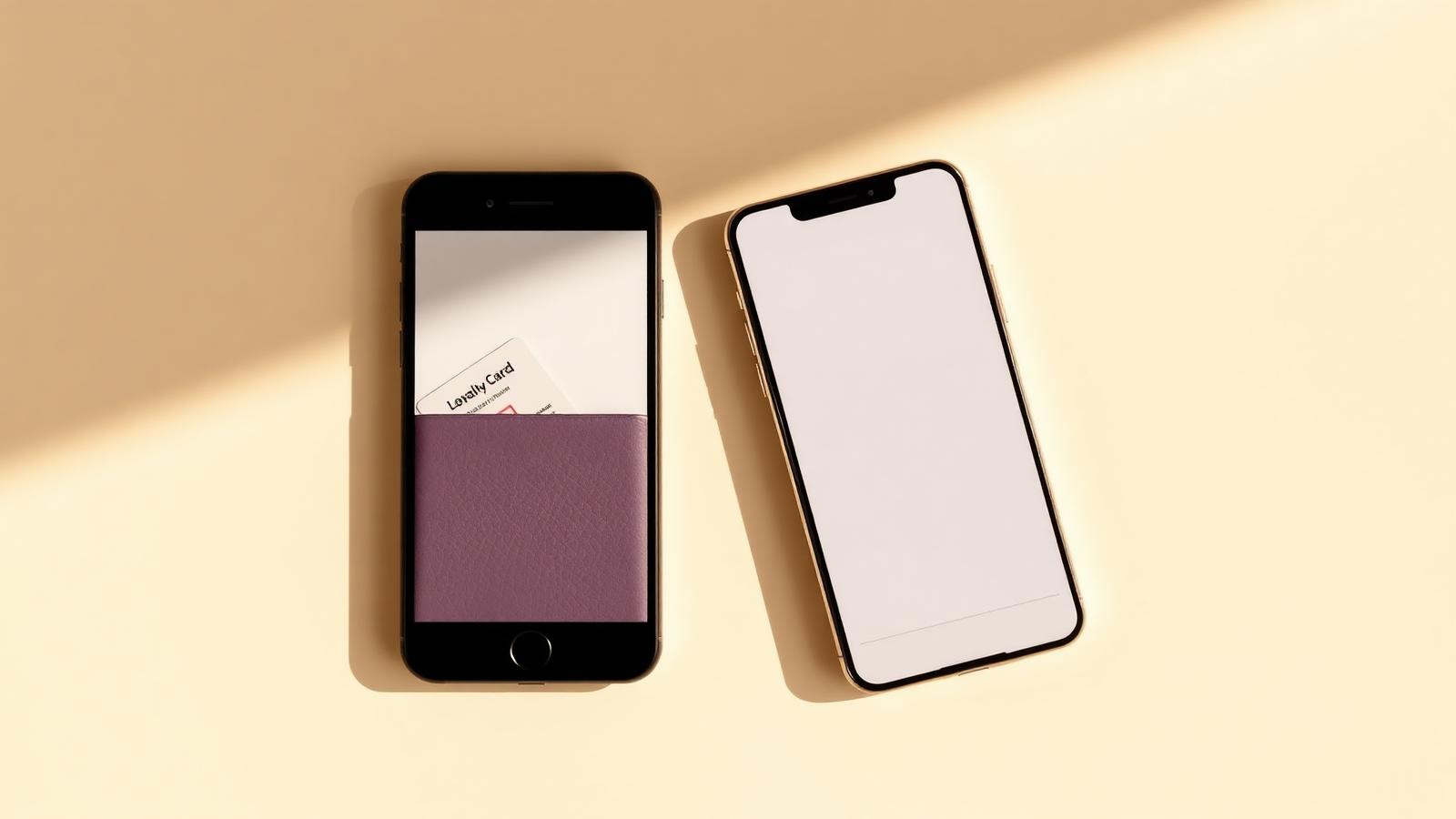
How to Launch an Apple Wallet & Google Wallet Loyalty Card in Under a Week
Quick Answer: Launching a digital loyalty card takes four simple steps: choose your reward mechanic, brand your Apple Wallet and Google Wallet pass, place your countertop tablet and QR scanner at the till, and invite every paying customer to scan in under 15 seconds.
Step 1: Pick One Simple Reward Rule
The best loyalty programs are understood in three seconds. Choose one clear mechanic based on how customers buy from you:
- High frequency, similar spend (coffee, smoothies, car washes): Stamp card (for example, 8 stamps for a free item).
- Variable spend (restaurants, salons, boutiques): Cashback percentage that climbs as customers visit more often.
- Recurring visits (gyms, studios, barbers): Membership or prepaid multipass.
Step 2: Brand Your Wallet Card
Upload your logo, pick your brand colours, and set your lock-screen welcome message. WeLoyal generates both the Apple Wallet pass and the Google Wallet pass from one design, so iPhone and Android customers get the exact same polished experience with zero app downloads.
Step 3: Set Up Your Countertop Tablet, Scanner, or POS
Place the WeLoyal countertop tablet and hands-free desktop QR scanner beside your card reader, or connect your existing POS such as Square. Put a small tabletop QR stand next to the till so customers can scan and add their card while waiting for their order.
Step 4: Train Staff on One 5-Second Line
Give your team one effortless prompt at checkout:
"Want to collect stamps on your phone? Just scan here, no app needed."
Within the first two weeks, most local shops see hundreds of regulars carrying their branded pass and receiving automatic geo-located reminders whenever they walk past.
Launch With WeLoyal
Want our team to design your first card and walk you through the countertop setup? Book a call with WeLoyal.
Read more
Apple Wallet vs Google Wallet Loyalty Cards: What Every Business Owner Should Know
How digital loyalty cards behave in Apple Wallet vs Google Wallet, where the two platforms differ, and how to make sure no customer gets left out.
What Is a Digital Loyalty Card? The Complete Guide for Business Owners
A complete guide to digital loyalty cards: how they work in Apple Wallet and Google Wallet, why they beat punch cards and apps, and what they cost.
Digital Loyalty Cards in the UK: Complete 2026 Guide for Local Businesses
Everything UK local businesses need to know about Apple Wallet and Google Wallet loyalty cards, card types, countertop scanning, and lock-screen push notifications.
