Apple Wallet vs Google Wallet Loyalty Cards: What Every Business Owner Should Know
How digital loyalty cards behave in Apple Wallet vs Google Wallet, where the two platforms differ, and how to make sure no customer gets left out.
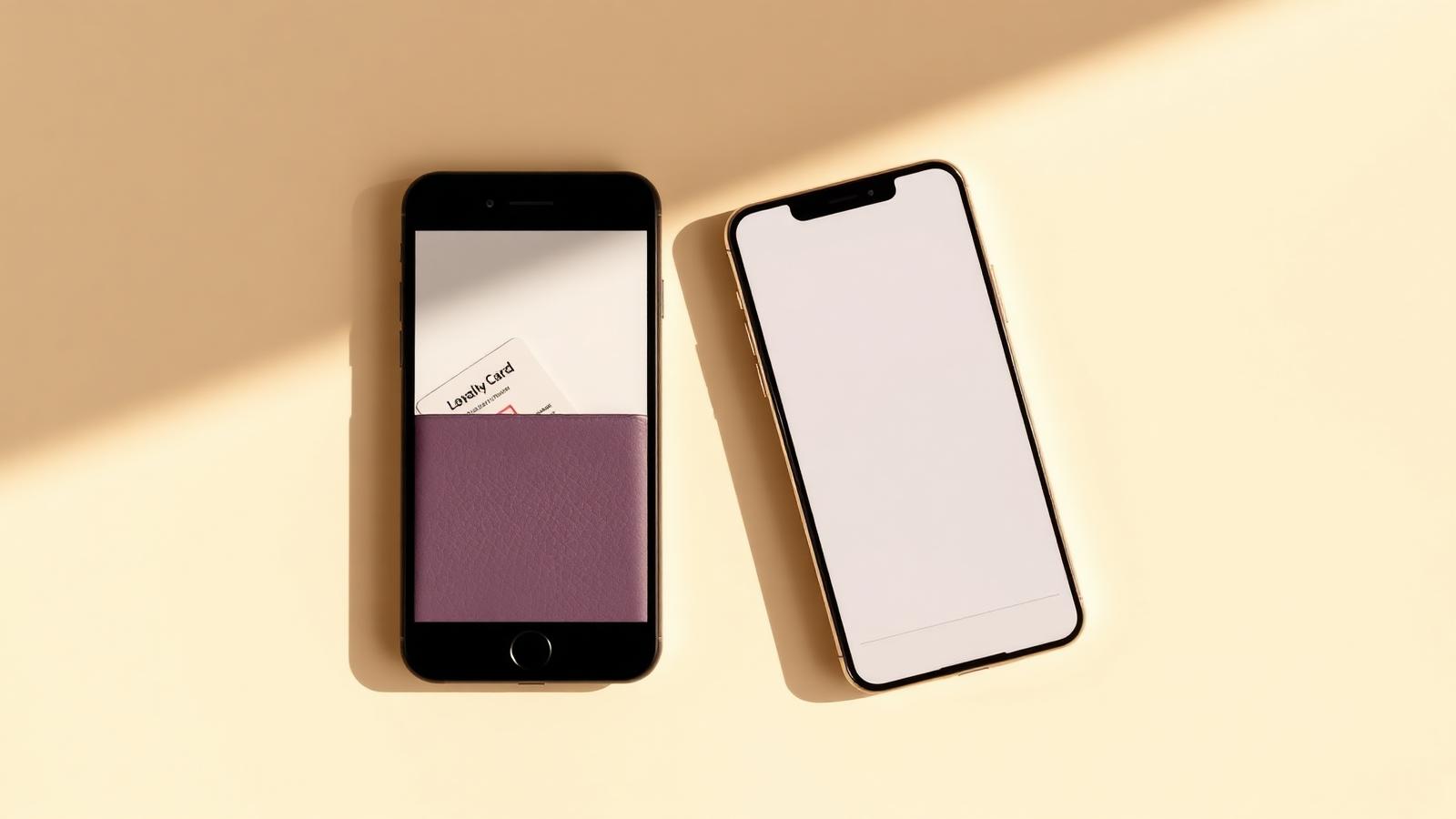
WeLoyal is a digital loyalty card platform that issues stamp cards, membership cards, cashback programs, and gift cards directly into a customer's Apple Wallet or Google Wallet, with no app download required on either platform. Because a meaningful share of any customer base carries an iPhone and the rest carry an Android device, understanding how a loyalty card actually behaves on each platform matters just as much as choosing the right card type in the first place. This post breaks down exactly how Apple Wallet and Google Wallet handle a digital loyalty card, where they differ, and how a business makes sure nobody gets left out regardless of which phone they're holding.
Two different wallets, one underlying idea
Apple Wallet and Google Wallet were both built around the same basic concept, a secure, always-accessible place on a phone for the things a person doesn't want to lose. Boarding passes, concert tickets, transit cards, payment cards, and loyalty cards all live in the same space, opened with a tap from the lock screen or the home screen, no separate login required once it's there. A loyalty card built for one of these platforms behaves, from the customer's point of view, exactly like every other pass already sitting in that same wallet, which is precisely why the format works so well. Customers already trust this part of their phone, and a loyalty card simply borrows that existing trust rather than asking for a new kind of it.
The practical difference between the two platforms mostly comes down to how a customer arrives at the card in the first place, and a handful of small behavioral differences worth understanding if a business wants the experience to feel equally smooth no matter which phone someone is using.
How installation actually works on an iPhone
On an iPhone, a customer typically encounters a loyalty card by scanning a QR code, tapping a shared link, or receiving one directly through a text message or email. Whichever route they take, the result opens a preview of the card with an "Add to Apple Wallet" button sitting at the bottom, the exact same button used by every airline boarding pass and every event ticket. One tap, and the card drops into their wallet permanently, sitting there the next time they open the app by pressing the side button or swiping down from the lock screen.
Because this button and this flow are things iPhone users have already used dozens of times for entirely unrelated things, there's essentially zero learning curve. Nobody has to explain what's about to happen, the phone itself signals clearly that this is a trusted, native action, not a request to install some unfamiliar piece of software.
How installation works on Android through Google Wallet
Android's version works on the same underlying principle, with a "Save to Google Wallet" or "Add to Google Wallet" button appearing the same way, and the card landing in the Google Wallet app that comes preinstalled on the vast majority of Android phones. The customer taps once, and the card is saved, accessible any time by opening the wallet app directly or, on many devices, through a quick swipe-based shortcut.
Where Android differs slightly is in how consistently that native wallet experience is guaranteed to be present and configured the exact same way across every device, since Android phones come from many different manufacturers with slightly different software layers on top of the base operating system. For the very small number of situations where a customer's specific device or app setup doesn't play perfectly with Google Wallet, a fallback exists in the form of a lightweight web-based card, sometimes called a progressive web app or PWA version, which behaves almost identically, saving an icon to the home screen that opens directly to the customer's live card, still with no traditional app store download required.
What a customer actually sees once the card is installed
Once installed on either platform, the experience converges again. The customer sees their current stamp count, points balance, membership status, or gift card balance right on the card face, updated live the moment a business processes a transaction on their end. Push notifications, wherever relevant, arrive on the lock screen in exactly the same way a text message would, regardless of whether the phone is an iPhone or an Android device. And because both platforms show relevant cards automatically when a customer is physically near the business, thanks to the geo-located notification and lock-screen-suggestion behavior both wallets support, a customer walking past a café with a stamp card installed might see that card surface on their lock screen without even opening anything, on either kind of phone.
Why supporting both platforms properly actually matters
It's tempting for a business to assume most of its customers are on one platform or the other and not worry too much about the gap, but in practice, customer bases are almost always mixed, and a loyalty program that only works smoothly on one platform quietly excludes a meaningful chunk of the very customers it's trying to reach. A restaurant that only thought through the Apple Wallet experience might find their Android customers struggling to install the card at all, and simply giving up, which defeats the entire purpose of building a loyalty program that's supposed to be lower friction than what came before it.
Because a card built properly is designed to install cleanly through either "Add to Apple Wallet" or "Save to Google Wallet" from the same single link or QR code, a business genuinely doesn't need to think about which platform a given customer is on. The system detects the phone automatically and shows the right button, meaning one QR code printed on one counter card genuinely works for every customer who walks in, iPhone or Android, without a business ever needing to print two different codes or explain two different processes.
At a glance: Apple Wallet vs Google Wallet for loyalty cards
What's identical on both platforms:
- No app download required, installation happens through the native wallet
- Cards live permanently in the same secure, always-accessible location
- Push notifications appear on the lock screen, not buried in an app
- Geo-located notifications work the same way on both
- One QR code or link works for both platforms automatically
What differs slightly:
- iPhone uses "Add to Apple Wallet," Android uses "Save to Google Wallet"
- Android device behavior can vary slightly by manufacturer
- A web-based fallback card exists for the rare Android setup that doesn't support native wallet saving cleanly
Why it matters for a business:
- A mixed customer base needs both platforms working properly, not just one
- A single distribution method (one QR code, one link) should reach every customer regardless of phone type
- Excluding one platform quietly excludes a real portion of potential loyalty program members
Read more
What Is a Digital Loyalty Card? The Complete Guide for Business Owners
A complete guide to digital loyalty cards: how they work in Apple Wallet and Google Wallet, why they beat punch cards and apps, and what they cost.
Customer Lifetime Value: What It Means and How a Loyalty Program Actually Increases It
What customer lifetime value means, why it matters more than any single visit, and exactly how a digital loyalty program moves that number in the right direction.
How to Win Back Sleeping Customers Automatically: Re-Engagement Campaigns Explained
How automated re-engagement identifies customers who have quietly stopped visiting and wins them back with timely, targeted messaging.