
How to Add Loyalty Rewards to a Shopify Store
How WeLoyal connects to Shopify: automatically enroll customers and credit rewards from real orders, whether they buy online through the storefront or in person via Shopify POS.
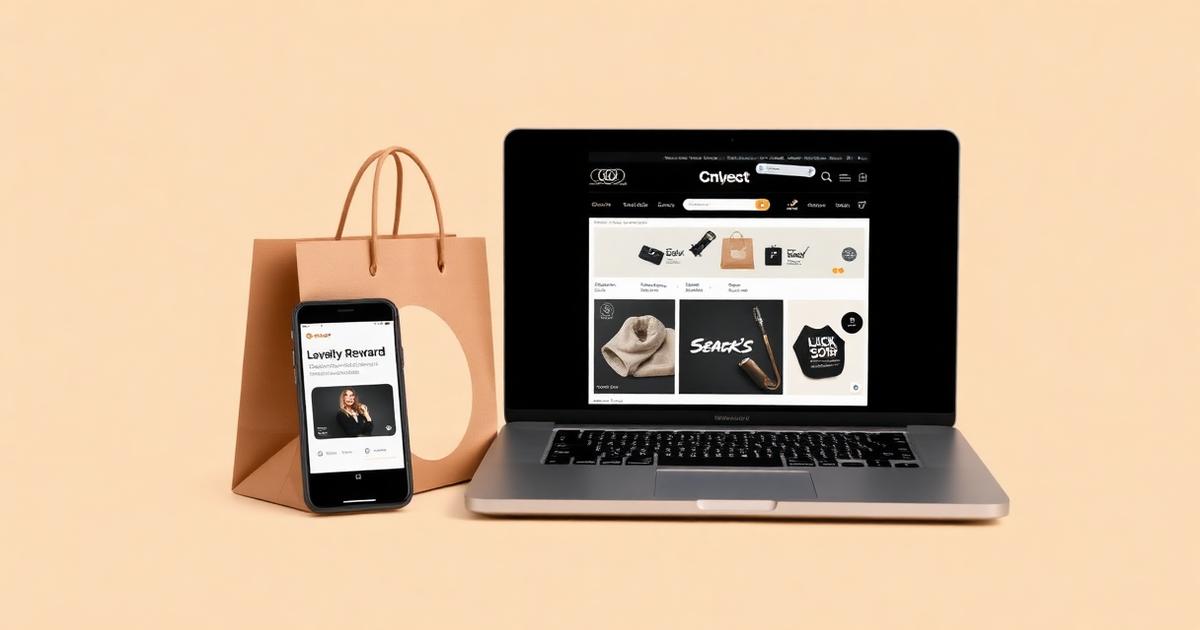
WeLoyal is a digital loyalty card platform that connects directly to Shopify, automatically enrolling customers into a loyalty program and crediting rewards based on real orders, whether a purchase happens online through the storefront or in person through Shopify POS. For a retail business running on Shopify, adding loyalty on top of an existing store shouldn't mean bolting on a completely separate system that customers have to interact with independently. This post explains exactly how the Shopify integration works, what it does automatically for both online and in-person purchases, and how a business actually sets the accrual rules that fit its specific products.
Why loyalty needs to connect to the store itself, not sit beside it
A lot of loyalty tools available to Shopify merchants are built as entirely separate systems, requiring a customer to create yet another account, remember another login, and manually check a separate page to see their points balance. This adds exactly the kind of friction that quietly kills participation, because most customers simply won't bother maintaining a relationship with a system that exists apart from the store they actually came to shop at. Connecting the loyalty platform directly to Shopify means loyalty becomes a natural extension of an order a customer was already placing, rather than a separate destination they have to be convinced to visit.
Setting up the connection
Connecting a Shopify store to the loyalty platform happens through the integration settings, authorizing the connection so completed orders can be read automatically as they happen. From there, a business selects which card type the integration should run on, most commonly stamp, cashback, discount, or reward, and defines an accrual rule governing exactly how loyalty should be earned from orders going forward.
Configuring accrual rules that fit a real product catalog
The accrual rule can be built around the full value of any order, meaning every completed purchase contributes toward loyalty regardless of size, or restricted to only count once an order crosses a defined minimum spend, which many retailers prefer since it avoids awarding meaningful loyalty value for very small, incidental purchases like a single accessory added almost as an afterthought. Rules can also be narrowed to specific products or collections, letting a business build loyalty specifically around certain items it wants to promote or move more of, rather than treating every single product in a large catalog identically.
What happens automatically for online orders
Once configured, every completed order placed through the Shopify storefront is checked automatically against the business's existing customer list. A returning customer whose email or phone number matches an existing loyalty card has the appropriate points or stamps credited immediately, with no manual step required from the business at all. A brand new customer placing their very first order has a loyalty card created and issued to them automatically, with an install link sent out through email or SMS depending on how the business has configured delivery, meaning every single new customer starts building loyalty history from their first purchase, not just the subset who happen to notice and actively sign up for a separate program on their own initiative.
This same logic applies in reverse for cancellations and refunds, with any points or stamps awarded for an order that's later cancelled or refunded getting automatically reversed, keeping balances accurate and reflective of genuinely completed purchases rather than orders that never actually went through in full.
What happens for in-person purchases through Shopify POS
For businesses running a physical retail location alongside their online store, the same underlying connection extends to in-person sales processed through Shopify's point of sale system, following the same accrual logic already configured for the online store. This means a customer shopping in person and a customer shopping online build toward the exact same loyalty balance on the exact same card, rather than a business ending up with two disconnected loyalty systems depending on which channel a customer happened to use that day.
Giving customers a way to see and redeem points directly on the storefront
Beyond the automatic earning side, a widget can be added directly to the Shopify storefront itself, letting a logged-in customer see their current points balance without leaving the site, and redeem those points directly from that same widget. Redeeming generates a discount coupon code that applies automatically at checkout, meaning a customer can go from checking their balance to actually using it entirely within the normal shopping flow they're already in, rather than being redirected somewhere else or needing to contact the business separately to cash in what they've earned.
Why this matters for a growing retail business
The real value of connecting loyalty directly to Shopify rather than running it as a separate system is that it removes every point of friction that normally causes a loyalty program to underperform. Customers don't need a separate account, don't need to remember a separate login, and don't need to actively opt in beyond the purchase they were already making. Every single order, from every single customer, automatically becomes part of building a longer-term relationship with the business, which is precisely the kind of foundation that turns a one-time online shopper into a genuine long-term repeat customer over time.
At a glance: how the Shopify integration works
Setup:
- Connect a Shopify store through the integration settings
- Choose the card type the integration should apply to
- Define the accrual rule, full order value, minimum spend, or specific products
What happens automatically:
- Points or stamps credited the moment a qualifying order completes
- New customers automatically issued a card and sent an install link
- Refunds and cancellations automatically reverse any points that were awarded
- Works for both online storefront orders and in-person Shopify POS sales
Customer-facing experience:
- A widget on the storefront shows the customer's current balance
- Redemption generates a discount code applied automatically at checkout
- No separate account or login required beyond the loyalty card itself
Best suited for:
- Retail businesses selling through both an online store and a physical location
- Businesses wanting loyalty tied directly to real order data with zero manual steps
Read more
How to Connect a Digital Loyalty Program to Square
How WeLoyal connects to Square: automatically issue loyalty cards and credit points, stamps, or cashback from real purchase data the moment a sale goes through.

How to Connect a Digital Loyalty Program to Toast POS
How WeLoyal connects to Toast POS: automatic stamp, cashback, discount, and reward accrual down to individual menu items, with no separate scanning device required.
How WeLoyal Runs at the Counter: Scanner App, POS Integrations, Team Permissions, and the API
How staff scan WeLoyal digital loyalty cards, connect Toast, Square, and Shopify, set manager permissions, and use the REST API and webhooks behind the system.