How to Connect a Digital Loyalty Program to Square
How WeLoyal connects to Square: automatically issue loyalty cards and credit points, stamps, or cashback from real purchase data the moment a sale goes through.
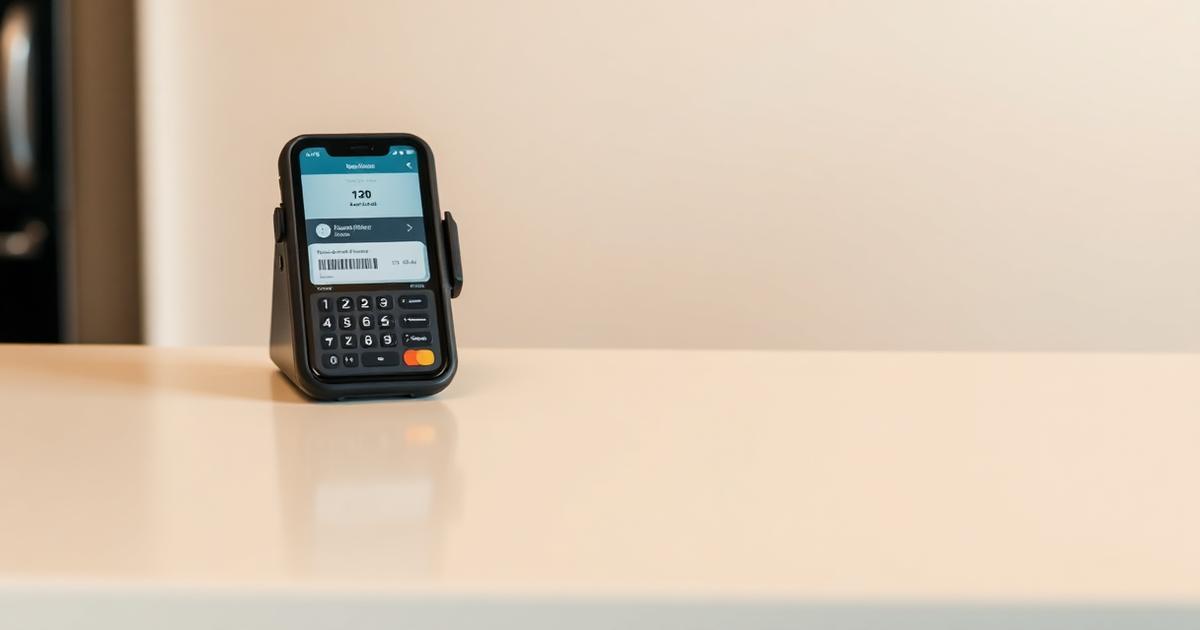
WeLoyal is a digital loyalty card platform that connects directly to a business's Square account, automatically issuing loyalty cards to new customers and crediting points, stamps, or cashback based on real purchase data the moment a sale goes through. Square is one of the most widely used point of sale systems among small and independent businesses, from retail counters to service-based businesses, and this post explains exactly how a loyalty program connects to it, what actually happens automatically once it's linked, and where the boundaries of that automation sit.
Why a Square-connected loyalty program is different from a standalone one
Running a loyalty program entirely separately from a business's point of sale means someone has to remember, every single transaction, to also process the loyalty side of things, a manual step that inevitably gets missed during busy periods or simply forgotten during a quiet one. Connecting the loyalty platform directly to Square removes that dependency on memory by tying loyalty activity to the same transaction data already flowing through the register for payment processing purposes, meaning the loyalty side of the business runs off information that's being captured anyway, rather than requiring a separate, parallel process.
Setting up the connection
Linking a Square account to the loyalty platform is done through the integration settings, authorizing access so that completed transactions can be read automatically. Once connected, a business chooses which card type the integration should apply to, typically a stamp, cashback, discount, or reward card, and defines the specific accrual rule that should govern how loyalty gets earned from Square transactions going forward.
Defining how loyalty actually gets earned
The accrual rule is where a business decides exactly what should trigger a stamp or points being credited. This can be set to apply to the full value of any completed purchase, meaning every sale contributes to loyalty regardless of size, or it can be restricted to only apply once a purchase crosses a defined minimum amount, useful for a business that wants to avoid awarding meaningful rewards for very small, incidental purchases. It can also be narrowed down to specific items or categories, similar in spirit to the item-level rules available through a restaurant-focused POS integration, letting a retail business build loyalty specifically around certain products it wants to promote rather than treating every single item in the store identically.
What happens automatically when a sale completes
Once a rule is configured, every completed Square transaction is checked automatically against the business's existing customer records. If the person paying already has a phone number or email on file matching an existing loyalty card, the appropriate points, stamps, or cashback get credited immediately and automatically, with no manual scanning step required from staff at the register. If the person paying is entirely new to the business and has no existing loyalty profile, the system creates one automatically and issues them a card on the spot, sending an install link out through whichever channel has been configured, typically email or SMS, meaning a brand new customer starts their loyalty relationship from their very first purchase without ever having to be manually signed up by a staff member distracted by a queue of other customers waiting.
This same automatic logic runs in reverse too. If an order gets cancelled or refunded through Square, any points or stamps that were awarded for that transaction get automatically reversed as well, keeping customer balances accurate even when a sale doesn't ultimately go through as originally processed, rather than leaving a business with inflated, inaccurate loyalty balances that no longer reflect real completed purchases.
An important detail on how redemption actually works
While earning through Square transactions can run fully automatically once configured correctly, redeeming a reward for most stamp and points-based mechanics connected through this kind of retail integration generally still happens through the loyalty platform's own scanner rather than directly inside the Square checkout flow itself. In practice, this means a customer who's built up enough stamps or points for a reward has that redemption processed by staff scanning their wallet card, confirming the exact reward being claimed, separately from the payment step handled inside Square. This is a meaningful detail worth understanding upfront rather than assuming every single part of the loyalty lifecycle, from first purchase all the way through to final redemption, runs entirely hands-off through the POS alone.
Why this setup still represents a major step up from manual tracking
Even with redemption running through the scanner rather than fully inside Square itself, the earning side of the equation, which is by far the more frequent and repetitive part of running a loyalty program day to day, running automatically off real transaction data removes the single biggest point of failure in most manual loyalty setups, staff simply forgetting to process the loyalty side of a sale during a busy moment. Combined with automatic new customer enrollment, a business ends up with a loyalty program that grows and maintains itself continuously in the background, with staff only needing to actively engage with the loyalty platform itself at the specific moment a customer is ready to redeem something they've earned.
At a glance: how the Square integration works
Setup:
- Connect a Square account through the integration settings
- Choose which card type the integration should apply to
- Define the accrual rule, full purchase value, minimum spend threshold, or specific items
What happens automatically:
- Points, stamps, or cashback credited the moment a qualifying sale completes
- New customers automatically issued a card and sent an install link
- Refunds and cancellations automatically reverse any points that were awarded
What still requires the scanner:
- Redemption of rewards for most stamp and points-based mechanics
- Manual reward confirmation at the point a customer claims what they've earned
Best suited for:
- Retail businesses already running Square as their primary point of sale
- Businesses wanting loyalty accrual tied directly to real transaction data without a separate manual step
Read more
How to Add Loyalty Rewards to a Shopify Store
How WeLoyal connects to Shopify: automatically enroll customers and credit rewards from real orders, whether they buy online through the storefront or in person via Shopify POS.

How to Connect a Digital Loyalty Program to Toast POS
How WeLoyal connects to Toast POS: automatic stamp, cashback, discount, and reward accrual down to individual menu items, with no separate scanning device required.
How WeLoyal Runs at the Counter: Scanner App, POS Integrations, Team Permissions, and the API
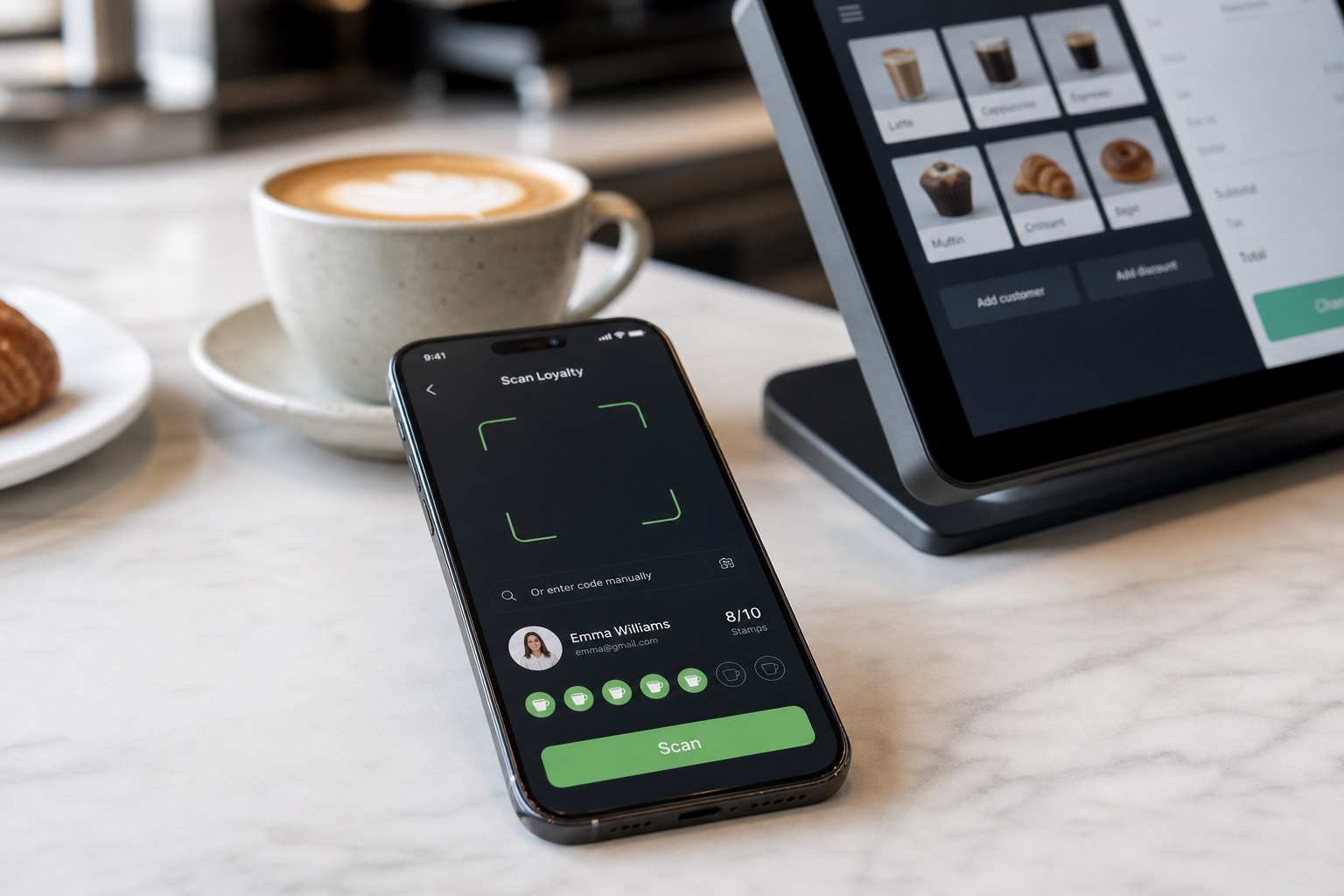
How staff scan WeLoyal digital loyalty cards, connect Toast, Square, and Shopify, set manager permissions, and use the REST API and webhooks behind the system.